Create your first project
When you first launch Redot you will be met with an empty project manager. 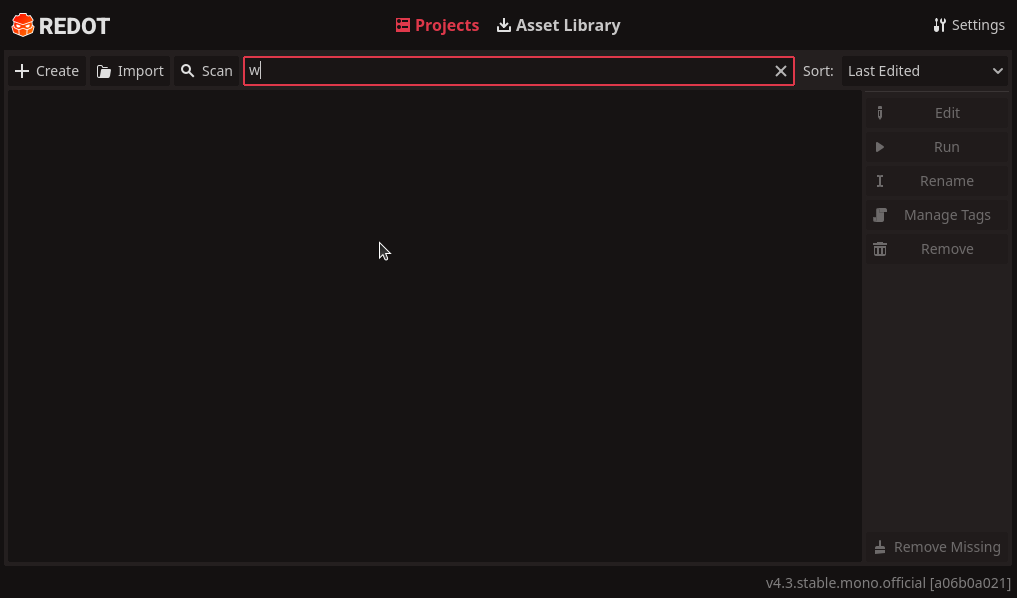
You'r first order of business is thus to create your own project. You do that by clicking the Createbutton. 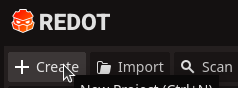
A new window appears where you can name your project and choose where it is stored plus a few extra settings. 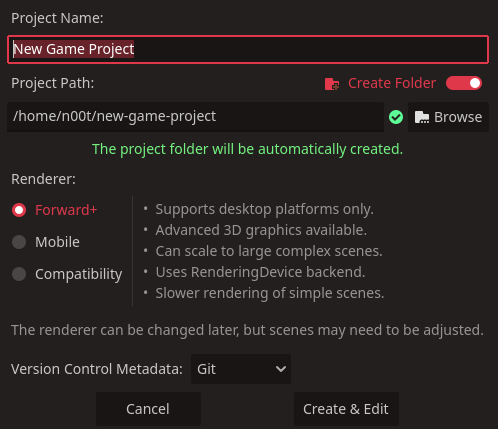
recommendation
It is not too important where you chose to store your projects but we recommend having dedicated folder for your projects or at least have them in the same folder. This will make your life a little easier when you need to reimport your projects in the future.
Rewiew your settings and then click the Create & Edit button. This will load up the Redot editor with your new project.